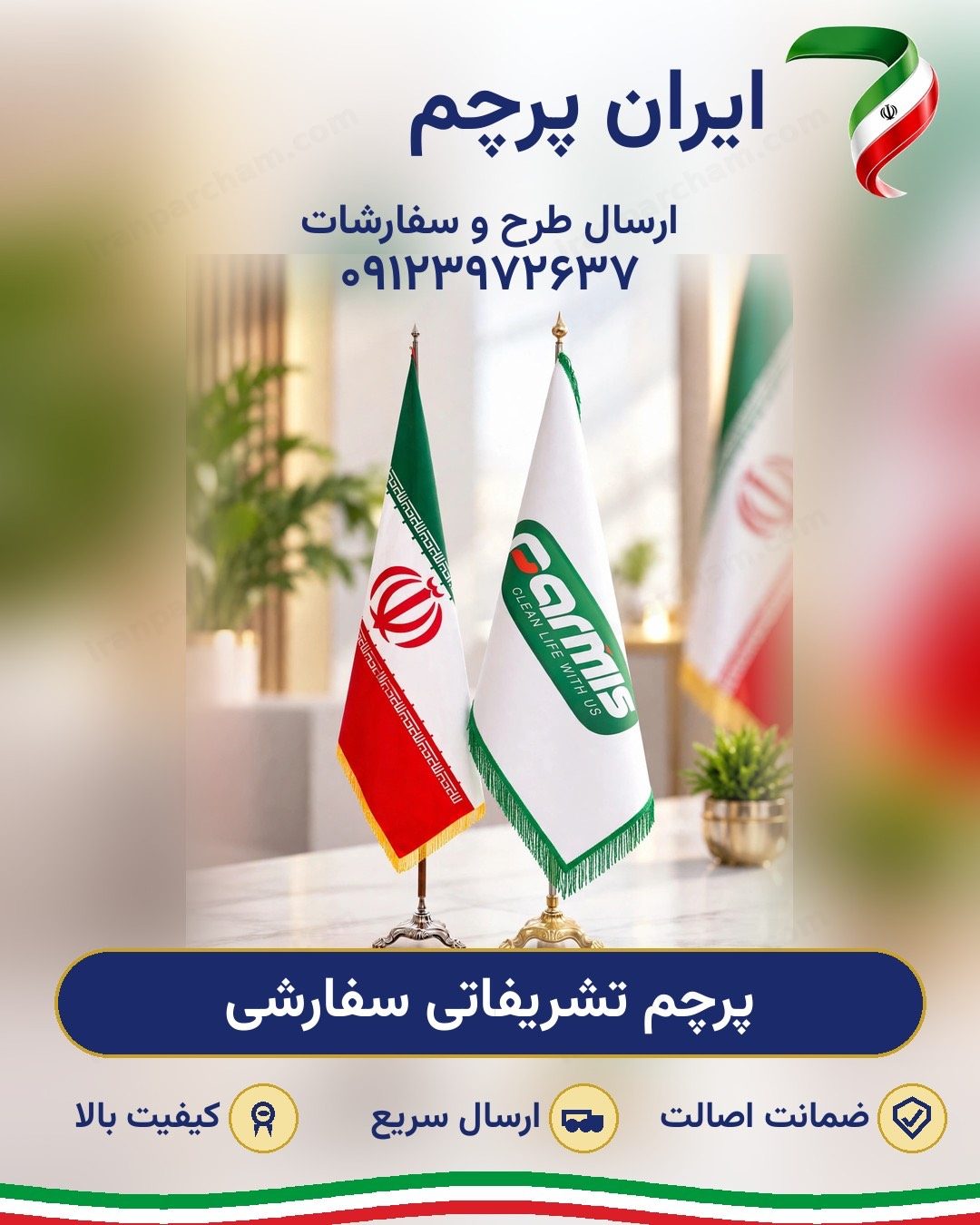
Print quality starts with the file. Learn the difference between vector and raster files, the right resolution at real size, why colours must be CMYK, and how to prepare fonts and bleed.
Good printing starts with a good file. However precise the printing is, a weak input file gives a blurred, washed-out result. Most order delays start here too: a file that is not print-ready and must be corrected or redesigned. This guide explains, in plain language, what a print-ready file looks like, so your order goes into production without going back and forth.
The best format for flag printing is a vector file: AI (Illustrator), CDR (Corel), vector PDF and EPS. A vector file is built from lines and curves and scales to any size — from a small desk flag to a flag several metres wide — with no loss of quality; edges always stay sharp and clean. Organisations' logos almost always have a vector version; ask your graphics department or logo designer to send you that version.
If you only have a raster image (JPG, PNG or TIFF), printing is still possible, provided the resolution is enough. The measure is the pixel count at the real print size: for large outdoor flags seen from several metres away, around 70 to 100 dots per inch (DPI) at real size is enough; for desk flags and fine work seen up close, 150 DPI and above gives a better result. Small internet files — a logo from a website or a compressed social-media image — are not suitable for large printing and come out blurred.
Monitors and phones show colours with light (RGB), but printing on fabric is done with four inks: cyan, magenta, yellow and black (CMYK). For this reason the printed colour may differ slightly from what you see on screen, especially with very bright and fluorescent colours. If you have a specific brand colour, give its code (CMYK or Pantone) with the file so the print comes as close as possible to the original.
Convert the text in your file to outlines (Outline, or Convert to Curves) before sending it. If a font stays as live text and that font is not on the print shop's system, the text is replaced with another font and the whole design falls apart. Converting to outlines removes this risk completely, and the text looks exactly as you designed it.
Allow a few centimetres extra around the design beyond the final size (bleed); this extra is used up in cutting and hemming the edges. In return, keep text, logos and important parts of the design away from the edges so they are not harmed in sewing and cutting; this distance is called the safe margin. Extend the design's background right to the edge of the bleed so no white edge remains after sewing.
Send the file at real size, or exactly in the same length-to-width ratio as the final flag. If the file's ratio differs from the ordered size, the design either stretches or part of it gets cropped; in such cases a corrected preview is prepared for your approval before printing.
In short: a vector file with outlined fonts, CMYK colours and bleed means a hassle-free start. You can upload your design file right now in the quote or custom-order form on this site; if you are unsure about any step of the preparation, send the file as it is and we will check it and guide you if needed. Iran Parcham has produced all kinds of flags in Tehran since 1971, and for file and order questions you can reach us at 0912 397 2637.
 Iran Parcham